
Introduction
Technology has transformed the way people live, work, and manage their homes. One of the biggest changes in recent years is the rise of Smart Home Upgrades. From controlling lights with your smartphone to locking doors remotely and monitoring security cameras from anywhere, smart technology has made everyday life easier and more convenient.
Many homeowners believe that creating a smart home requires a huge budget or advanced technical knowledge. In reality, modern smart devices are affordable, user-friendly, and designed for beginners. Whether you own a house or rent an apartment, you can start with just one device and gradually expand your smart home system over time.
Smart Home Upgrades also improve energy efficiency, home security, and daily comfort. They help reduce electricity costs, automate routine tasks, and provide peace of mind while you are away. With so many devices available today, choosing the right upgrades can feel overwhelming. Understanding the basics will help you make informed decisions that match your lifestyle and budget.
This guide explains everything you need to know about Smart Home Upgrades, including their importance, installation process, benefits, risks, common mistakes, frequently asked questions, and practical expert tips for getting the best results.
What Are Smart Home Upgrades?
Smart Home Upgrades refer to replacing or enhancing traditional household systems with internet-connected devices that can be monitored, controlled, or automated remotely.
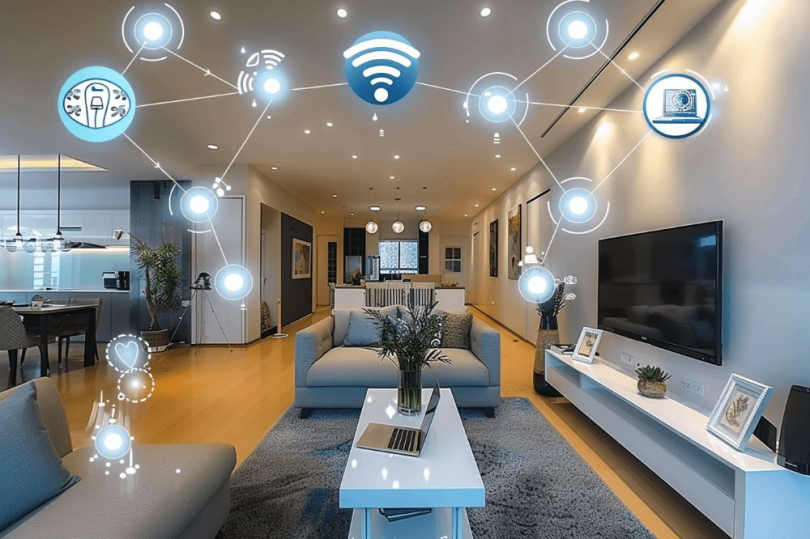
These devices communicate through Wi-Fi, Bluetooth, or smart home hubs, allowing users to manage them using mobile apps or voice assistants.
Popular Smart Home Upgrades include:
- Smart lighting
- Smart thermostats
- Video doorbells
- Smart security cameras
- Smart locks
- Smart plugs
- Smart speakers
- Smart sensors
- Smart garage door openers
- Smart appliances
Each upgrade improves convenience while giving homeowners greater control over their living environment.
Why Are Smart Home Upgrades Important?
Modern lifestyles demand convenience, security, and efficiency. Smart Home Upgrades address all three by automating everyday activities.
They help homeowners monitor their property in real time, receive instant alerts during emergencies, and control devices even when they are away from home.
Smart devices also reduce energy waste. Lights can automatically switch off when rooms are empty, thermostats adjust temperatures based on daily routines, and smart plugs prevent unnecessary electricity consumption.
Families with children, elderly members, or busy professionals especially benefit from these intelligent systems because they simplify daily routines and improve overall safety.
Step-by-Step Guide to Smart Home Upgrades
Step 1: Identify Your Needs
Before buying devices, determine what you want to improve.
Ask yourself:
- Better security?
- Lower energy bills?
- More convenience?
- Home entertainment?
- Voice control?
Your goals will determine which devices should be your first investment.
Step 2: Set a Budget
Smart Home Upgrades are available in every price range.
Rather than purchasing everything at once, begin with essential devices like smart bulbs or smart plugs before expanding your setup.
A gradual approach keeps costs manageable while allowing you to learn the technology.
Step 3: Choose a Smart Ecosystem
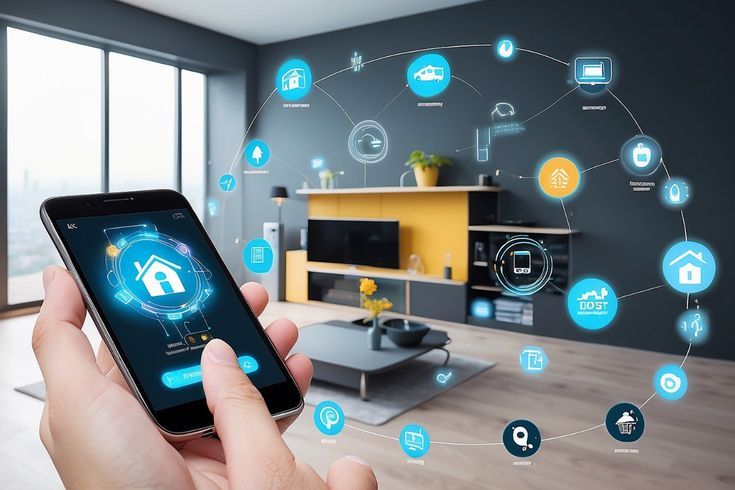
Many devices work with platforms such as:
- Google Home
- Amazon Alexa
- Apple HomeKit
Choosing one ecosystem improves compatibility and makes controlling multiple devices much easier.
Step 4: Upgrade Your Wi-Fi
Reliable internet is essential for Smart Home Upgrades.
Ensure your router provides strong coverage throughout your house. Consider using Wi-Fi extenders or mesh systems if certain rooms have weak signals.
Step 5: Start with Lighting
Smart lighting is often the easiest upgrade.
Benefits include:
- Remote control
- Scheduled lighting
- Energy savings
- Voice commands
- Adjustable brightness
Replacing traditional bulbs takes only a few minutes.
Step 6: Improve Home Security
Security is one of the biggest reasons homeowners invest in Smart Home Upgrades.
Consider installing:
- Smart cameras
- Video doorbells
- Motion sensors
- Window sensors
- Smart locks
These devices provide instant notifications whenever unusual activity occurs.
Step 7: Automate Climate Control
Smart thermostats learn your daily schedule and automatically adjust indoor temperatures.
This reduces unnecessary heating or cooling, making your home more comfortable while lowering utility bills.
Step 8: Add Smart Plugs
Smart plugs convert ordinary appliances into smart devices.
You can schedule coffee makers, lamps, fans, and other electronics without replacing them.
Step 9: Create Automation Routines
Automation is where Smart Home Upgrades become truly powerful.
For example:
- Lights turn on at sunset.
- Doors lock automatically at night.
- Cameras activate when everyone leaves.
- Thermostats adjust while you’re at work.
- Morning routines start with one command.
These routines save time every day.
Step 10: Maintain Your Devices
Regular maintenance keeps your smart home secure.
Remember to:
- Install software updates.
- Replace batteries when needed.
- Review security settings.
- Change passwords regularly.
- Remove unused devices from your network.
Benefits of Smart Home Upgrades
- Greater home security
- Lower electricity consumption
- Increased convenience
- Remote device management
- Better energy efficiency
- Improved home value
- Voice-controlled automation
- Personalized daily routines
- Time savings
- Peace of mind during travel
- Better monitoring of children and elderly family members
- Easier control of multiple household systems
Disadvantages and Risks
Although Smart Home Upgrades offer numerous benefits, there are also potential drawbacks.
- Higher initial investment
- Dependence on internet connectivity
- Possible compatibility issues
- Cybersecurity concerns
- Occasional software updates
- Learning curve for beginners
- Device failures during power outages
- Some products require subscription services
Understanding these limitations helps homeowners make better purchasing decisions.
Common Mistakes to Avoid
Many beginners purchase devices without planning their overall smart home system.
Avoid these common mistakes:
- Buying incompatible devices
- Ignoring Wi-Fi quality
- Using weak passwords
- Skipping firmware updates
- Purchasing unnecessary gadgets
- Overcomplicating automation
- Forgetting battery maintenance
- Choosing products without customer support
- Ignoring privacy settings
- Failing to back up important configurations
Planning ahead makes Smart Home Upgrades more reliable and cost-effective.
Frequently Asked Questions
1. Are Smart Home Upgrades expensive?
Not necessarily. Many smart devices are affordable, and homeowners can build their systems gradually according to their budgets.
2. Do smart devices require internet access?
Most Smart Home Upgrades rely on internet connectivity for remote control, although some functions may continue working locally.
3. Are smart homes secure?
Yes, provided users keep devices updated, use strong passwords, enable two-factor authentication, and purchase products from trusted manufacturers.
4. Can I install smart devices myself?
Many Smart Home Upgrades are designed for DIY installation. However, electrical work or advanced security systems may require professional assistance.
5. Which smart device should beginners buy first?
Smart bulbs, smart plugs, or smart speakers are excellent starting points because they are affordable and easy to install.
6. Do Smart Home Upgrades increase property value?
In many cases, yes. Modern buyers appreciate homes equipped with smart security, energy-saving technology, and automated systems.
Expert Tips & Bonus Points
Start small instead of purchasing every device immediately.
Choose products from reputable manufacturers with long-term software support.
Always update device firmware as soon as updates become available.
Use unique passwords for every smart device.
Enable two-factor authentication whenever possible.
Organize devices into rooms inside your mobile app for easier control.
Create automation routines that solve real problems rather than adding unnecessary complexity.
Review your smart home’s privacy settings regularly.
Consider future expansion before purchasing your first devices to avoid compatibility problems later.
Focus on practical upgrades that improve everyday life instead of buying technology simply because it is new.
Conclusion
Smart Home Upgrades have changed the way modern households operate by making homes safer, more efficient, and significantly more convenient. Instead of manually controlling lights, locks, heating, cooling, and security systems, homeowners can automate these tasks with just a few taps or voice commands. These improvements not only simplify daily routines but also contribute to long-term energy savings and better home management.
The best part is that creating a smart home does not require a massive investment. Starting with simple devices such as smart bulbs, plugs, or security cameras allows beginners to experience the advantages without overwhelming costs. As confidence grows, additional devices can be integrated into a single ecosystem that works together seamlessly.
Successful Smart Home Upgrades depend on careful planning, strong internet connectivity, reliable products, and good cybersecurity habits. By avoiding common mistakes and focusing on practical improvements, homeowners can build a smart home that continues to provide value for years.
Whether your goal is increased security, greater comfort, lower utility bills, or a more connected lifestyle, Smart Home Upgrades offer an effective solution. Begin with one upgrade, learn how it fits into your daily routine, and gradually transform your house into a smarter, safer, and more efficient place to live.